




Creating a productive home workspace is more important than ever. Whether you work remotely full-time, occasionally, or simply need a comfortable spot for personal projects, your environment significantly affects your focus and efficiency. In this post, we’ll explore practical tips to design a home workspace that supports both comfort and productivity.
Why a Well-Designed Workspace Matters
Your surroundings can either boost your ability to concentrate or become a source of distraction. A thoughtfully arranged workspace reduces stress, minimizes discomfort, and helps you stay organized, all of which contribute to better performance.
Choose the Right Location
Find a Quiet Spot
Select a space in your home with minimal noise and distractions. If you don’t have a separate room, choose a corner or area away from high-traffic zones.
Consider Natural Light
Natural light has been shown to improve mood and reduce eye strain. Position your desk near a window if possible, but avoid glare on your screen by adjusting the angle or using curtains.
Invest in Ergonomic Furniture
Desk and Chair
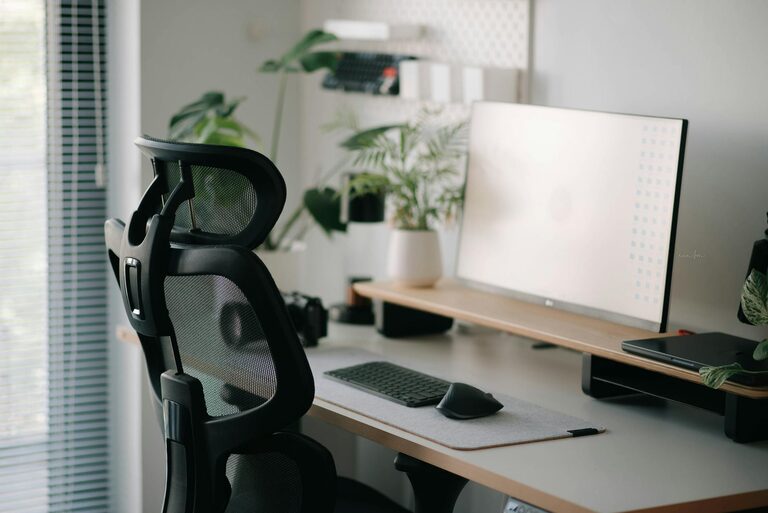
An adjustable chair with good lumbar support and a desk at proper height are essential. This setup helps prevent back pain and repetitive strain injuries.
Monitor Position
Place your monitor at eye level, about an arm’s length away. If you use a laptop, consider adding a stand and external keyboard to maintain proper posture.
Keep It Organized and Clutter-Free
Use Storage Solutions
Use shelves, drawers, or organizers to keep your workspace tidy. A clutter-free desk reduces distractions and makes it easier to find what you need.
Limit Personal Items
While some personal touches can make your space inviting, too many can be distracting. Choose a few items that inspire you or promote calm.
Optimize Lighting
Combine Ambient and Task Lighting
Good lighting reduces eye strain. Use a combination of natural light, overhead lighting, and a desk lamp to ensure your workspace is well-lit throughout the day.
Avoid Harsh or Flickering Lights
Opt for soft, warm light bulbs and avoid fluorescent lights that can cause headaches or fatigue.
Manage Noise Levels
Use Noise-Canceling Headphones
If you can’t control noise in your environment, headphones can help block distractions and improve concentration.
Add Soothing Background Sounds
Playing soft instrumental music or nature sounds can increase focus for some people. Experiment to see what works best for you.
Personalize Your Space Thoughtfully
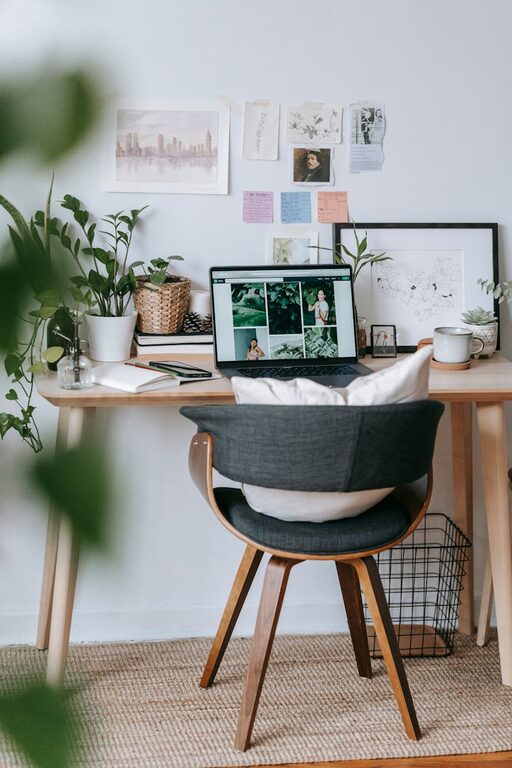
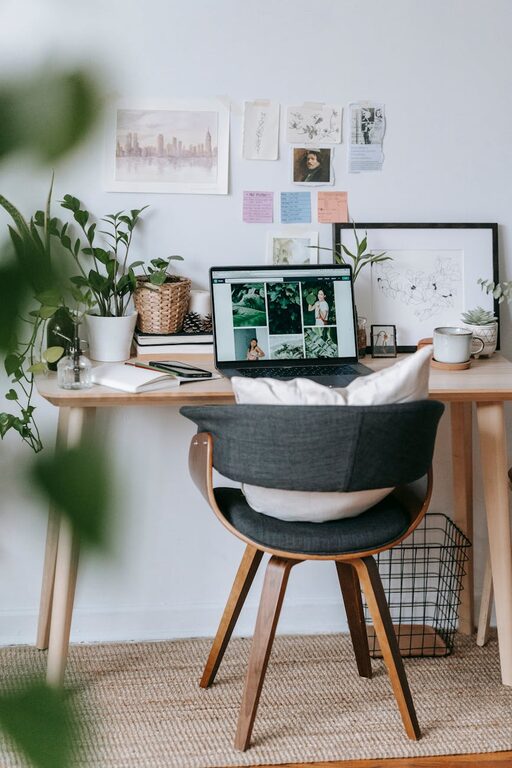
Incorporate Plants
Indoor plants add color and improve air quality, contributing to a more comfortable atmosphere.
Choose Calming Colors
Colors like blue, green, and neutral tones tend to promote calmness and focus.
Establish Clear Boundaries
Create a mental and physical boundary between work and personal life to maintain balance. When you finish work, tidy your desk and turn off your computer to signal the end of the workday.
Maintain Healthy Habits
Take Regular Breaks
Stand up, stretch, or walk around every hour to reduce fatigue and boost energy.
Stay Hydrated and Nourished
Keep a water bottle nearby and eat balanced meals to maintain focus and well-being.
Utilize Technology Wisely
Keep Your Devices Updated
Regular updates improve security and your tools’ efficiency.
Minimize Digital Distractions
Use apps or settings that block non-work-related notifications during work hours.
Final Thoughts
Creating a productive home workspace is about more than just furniture; it’s a combination of environment, organization, lighting, and habits. By tailoring your space to your needs and mindfully managing your daily routine, you can enhance both comfort and focus, making working from home a rewarding experience.