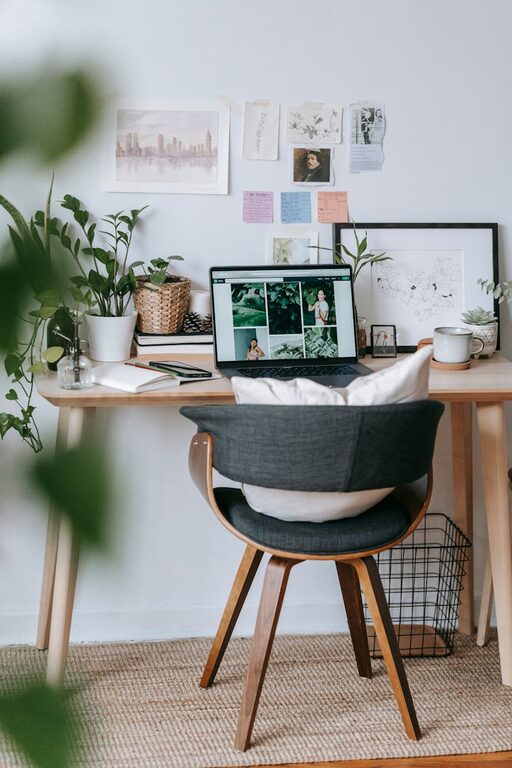



Creating a home workspace that is both clutter-free and productive is essential for maintaining focus and efficiency while working remotely. A well-organized area can help reduce distractions and make your workday feel more manageable. Whether you have a dedicated room or a small corner, these tips will help you optimize your space for comfort and productivity.
Choose the Right Location
Selecting the best spot for your workspace is the first step toward an organized and productive home office.
– Natural Light: Try to position your workspace near a window to take advantage of natural light, which can improve mood and reduce eye strain.
– Quiet Area: Choose a space away from high-traffic areas to minimize interruptions.
– Comfortable Temperature: Make sure the area is well-ventilated and comfortable throughout the workday.
Declutter Regularly
Clutter can distract and increase stress. Keeping your workspace clear of unnecessary items is vital.
– Daily Tidy-Up: Spend 5 minutes at the end of each day putting away supplies, papers, and gadgets.
– Keep Only Essentials: Limit your desktop to only the items you use daily, such as a computer, notebook, and a few pens.
– Paper Management: Use a filing system to organize bills, documents, and notes instead of letting piles build up.
Invest in Proper Storage Solutions
Storage helps keep your workspace neat and ensures that everything has its place.
– Desk Organizers: Use trays, cup holders, or drawer dividers to separate pens, paperclips, and other small items.
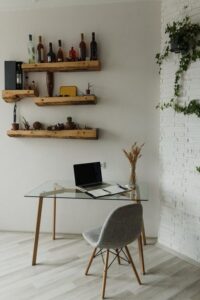
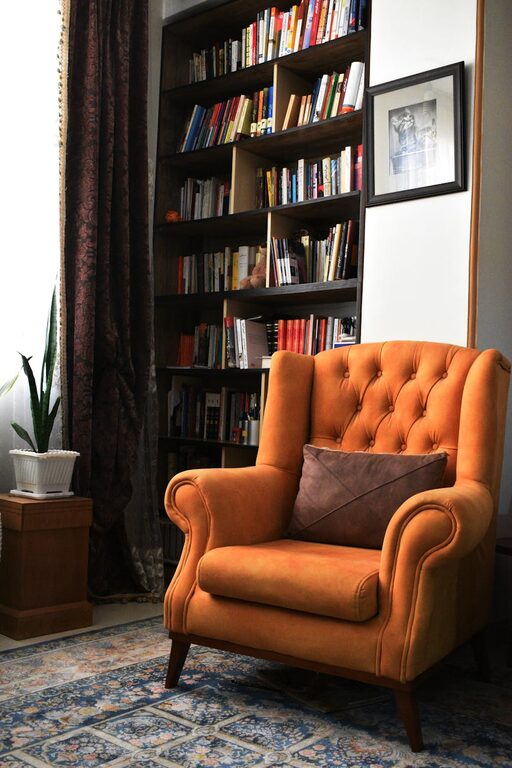
– Shelving Units: Install shelves to store books, binders, and decorative elements that add personality without cluttering.
– Cable Management: Use clips, wraps, or under-desk trays to keep cords tidy and prevent tangling.
Set Up an Ergonomic Workspace
A comfortable setup encourages longer, more focused work sessions without physical discomfort.
– Adjustable Chair: Choose a chair that supports good posture and can be adjusted for height.
– Desk Height: Your desk should allow your arms to rest comfortably at a 90-degree angle when typing.
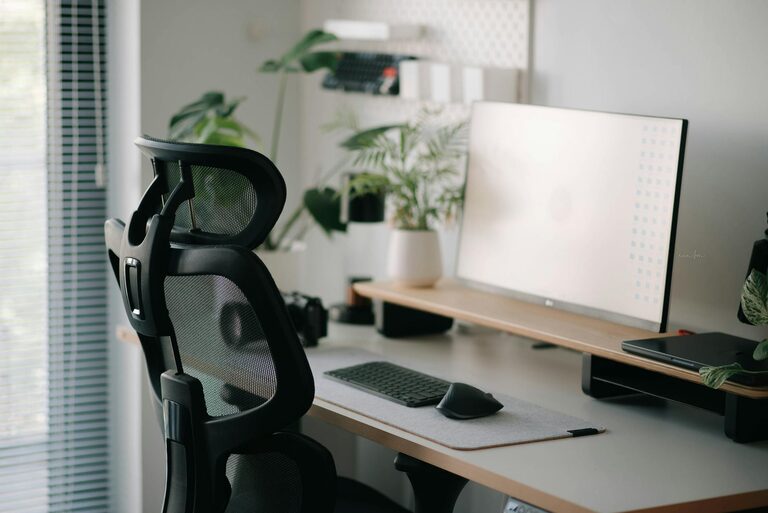
– Monitor Position: Place your screen at eye level and about an arm’s length away to reduce neck and eye strain.
Create Clear Zones for Different Tasks
Dividing your workspace can help keep you organized and improve workflow.
– Work Zone: This is where your computer and primary tools live.
– Supply Zone: A designated spot for office supplies, printer, and charging stations.
– Creative or Planning Zone: Use a bulletin board, whiteboard, or notebook in a separate area for brainstorming and planning.
Use Labels and Color Coding
Labels and color coding add clarity and make it easier to find what you need quickly.
– Label Drawers and Files: Use clear labels for folders and storage containers to identify contents easily.
– Color Code by Category: Assign different colors to projects, supplies, or days of the week to stay organized at a glance.
Personalize Without Overdoing It
A personalized workspace can make working from home more enjoyable but avoid adding too many distractions.
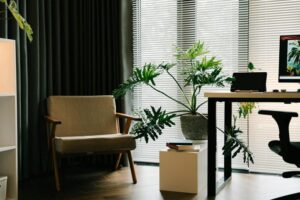
– Add Greenery: Small plants can brighten your space and improve air quality.
– Inspiring Elements: Include photos, art, or motivational quotes that boost your mood.
– Limit Decorations: Keep decorations minimal to avoid clutter and distraction.
Establish a Cleaning Routine
Routine cleaning keeps your workspace fresh and inviting.
– Weekly Deep Clean: Dust surfaces, wipe down equipment, and vacuum or sweep floors weekly.
– Sanitize Devices: Clean your keyboard, mouse, and phone regularly to maintain hygiene.
Set Boundaries for Work Hours
Even the most organized workspace won’t help productivity without clear work-life boundaries.
– Designate Work Times: Stick to a schedule to separate work from relaxation.
– Organize End-of-Day Ritual: Spend a few minutes packing away work materials to signal the end of your workday.
—
By implementing these strategies, you can create a home workspace that fosters focus, reduces clutter, and enhances productivity. A thoughtfully organized environment makes working from home more enjoyable and efficient, helping you get the most out of your workday.